
Registration is very simple.

On the homepage of the site you will find a series of “buttons” on the page. Over on the right are two buttons, “Register” and “Login”. If you have never registered before, select “Register”.
If you have registered previously, select “Login”.
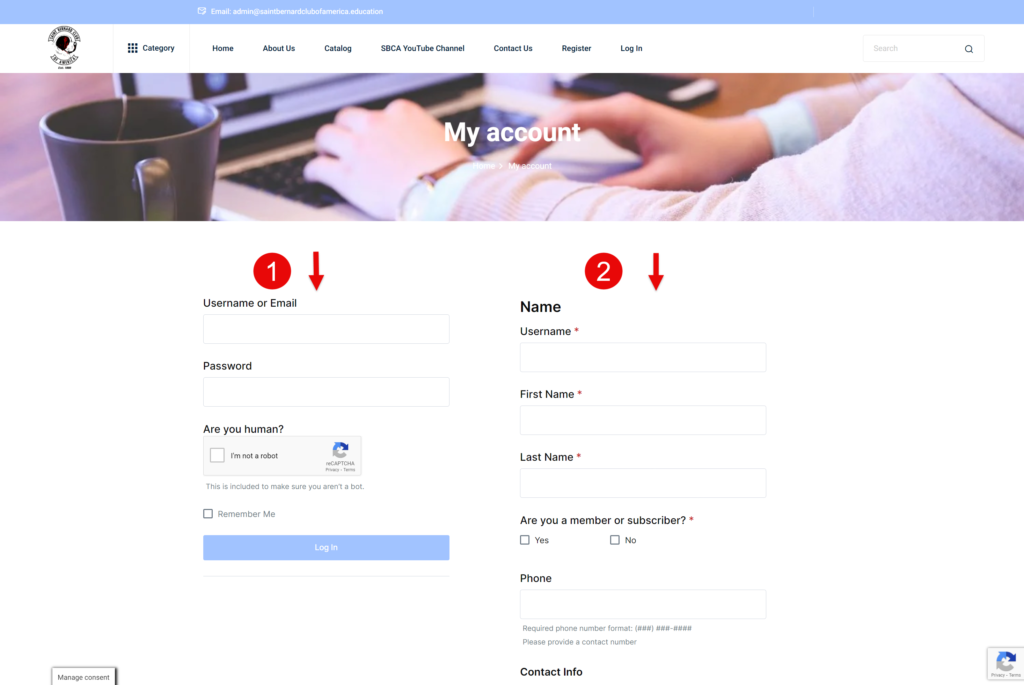
You will see the “My Account” page where you may either Login or Register.

You will need to provide some basic information.
Username is the name you would like to use to login. Typically the system uses Firstname.Lastname although you can choose something you will remember.
Are you a member or subscriber? refers to your membership with the Saint Bernard Club of America. If you are not a member or subscriber of the SBCA, select No. This will not affect your registration or limit what you have access to.
For Password be sure to use a strong password with upper and lower case characters and special characters. The Strength indicator will help ensure you use a secure password.

Note that we do NOT sell or give our users information to anyone. Any field marked with a red asterisk “*” is a required field.

If your shipping information is the same as your primary address, you do no need to fill this section out. Simply uncheck the “Ship to a different address?” and this section will be hidden.
We do require that you prove you are not an automated system that is tying to access our site. Select “I’m not a robot” and follow any requests by the reCaptcha app.
Select the “Register” button to be taken to the “Log In” screen.
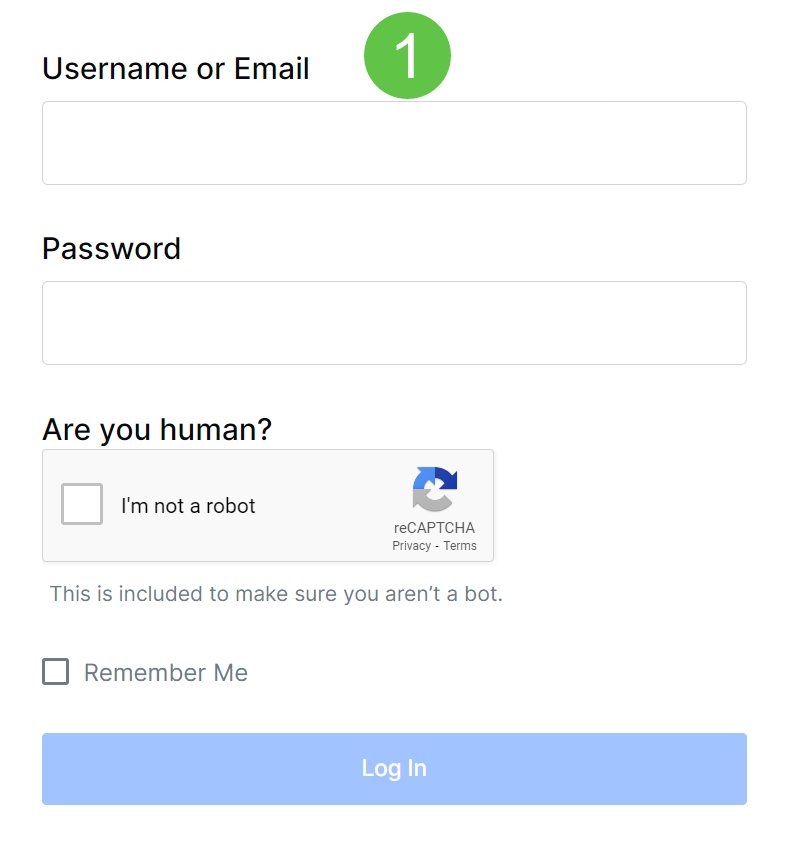
Fill in the fields and select “Log In”.
You will be redirected to either the home page or your account page. You are now ready to add courses to your account from the catalog.